
Testing & troubleshooting
Check the shop as a buyer, place a test order and find out why something doesn't show up.
-
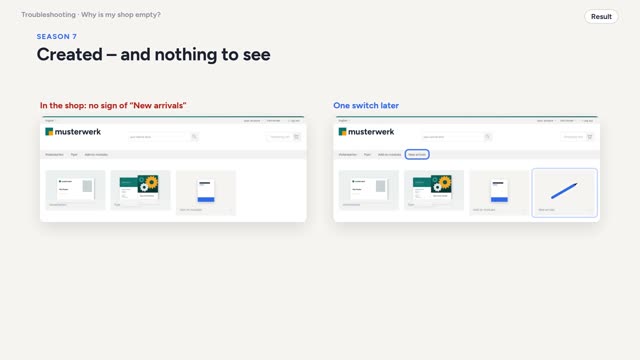 Video 1:35 min
Troubleshooting: item doesn't appear in the shop
Item created, but nothing to see – the usual causes.
-
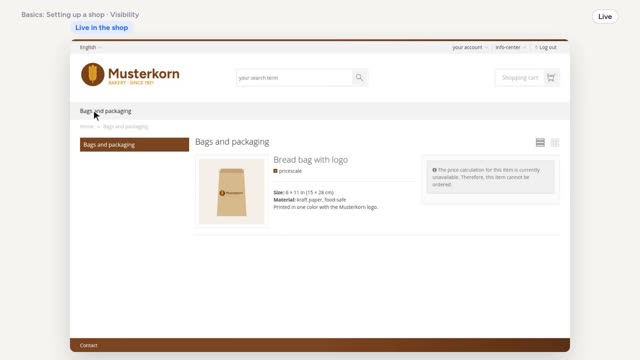 Video 1:24 min
Visibility: when an item appears in the shop
The shop is done, but empty? These four switches decide whether an item appears.
-
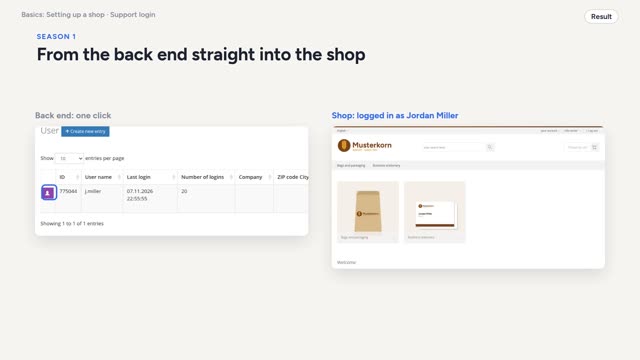 Video 1:09 min
Support login: seeing the shop as a buyer
One click in the back end, and you see the shop exactly as a specific buyer sees it.
-
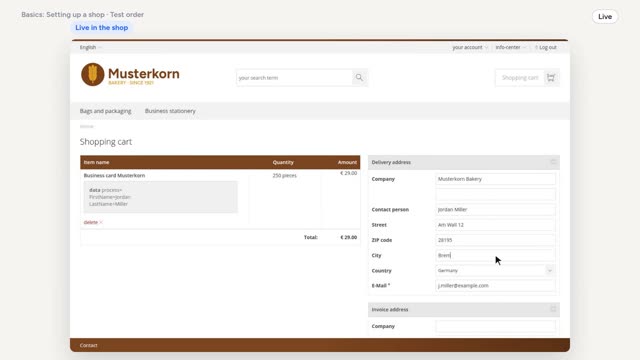 Video 1:43 min
Test order: checking the whole way as a buyer
Log in as a buyer, personalize, order – and see what arrives in the back end.
-
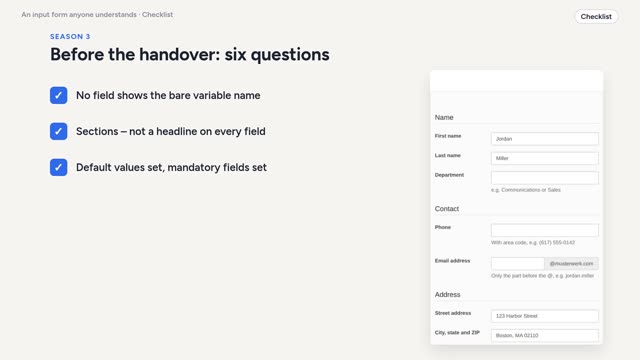 Video 0:50 min
Checklist for the input form
The final test for every form – through the eyes of someone seeing it for the first time.
-
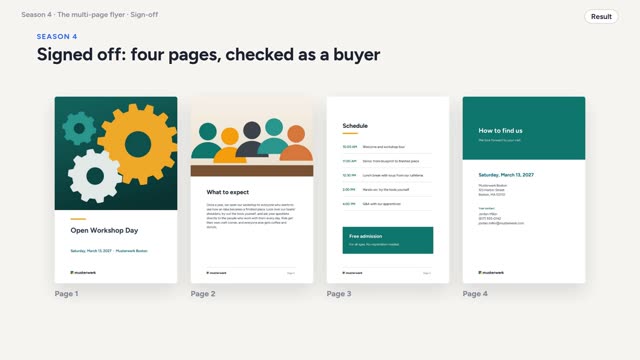 Video 1:22 min
Signing off a print template as a buyer
The final test in the shop – with full and with empty fields.
-
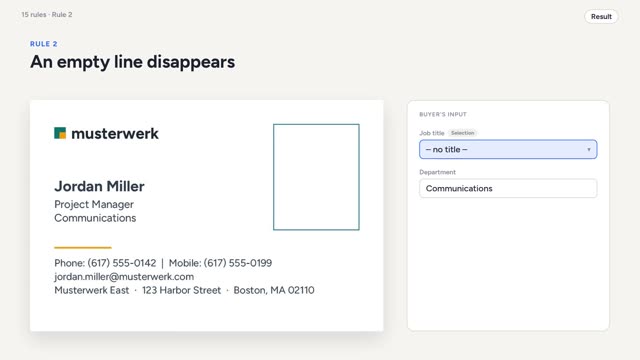 Video 1:06 min
Removing empty lines automatically
If a field stays empty, there's no gap on the card: a rule after the field deletes the whole line.