
Setting up a shop
Key concepts, creating the shop, settings, legal pages and the look: logo, login image, home page, custom CSS.
-
 Video 2:48 min
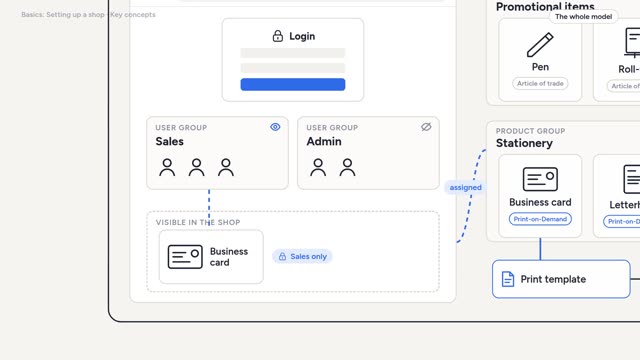
Key concepts: client, customer, shop, item
Client, customer and shop, users in groups, product groups, items and print templates – the whole structure at a glance, before your first click.
-
 Video 1:47 min
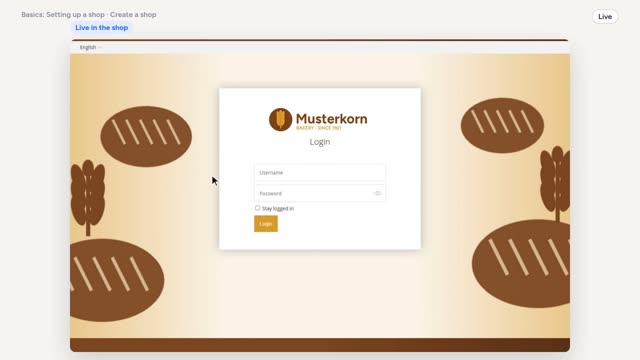
Creating a shop: logo, colors, login image
The customer is created, and their shop gets its own look – from the logo to the login page.
-
 Video 1:34 min
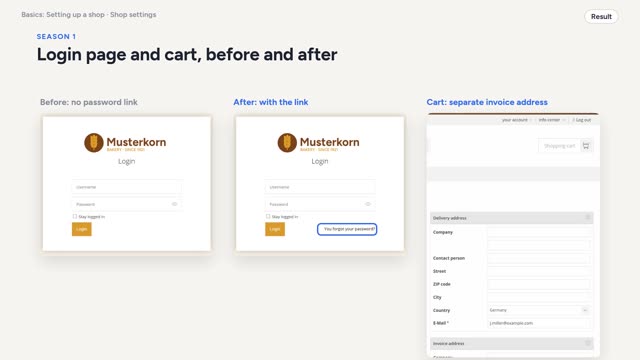
The shop settings everyone needs
Forgotten password, saved shopping cart, shipping and billing address, order history.
-
 Video 1:39 min
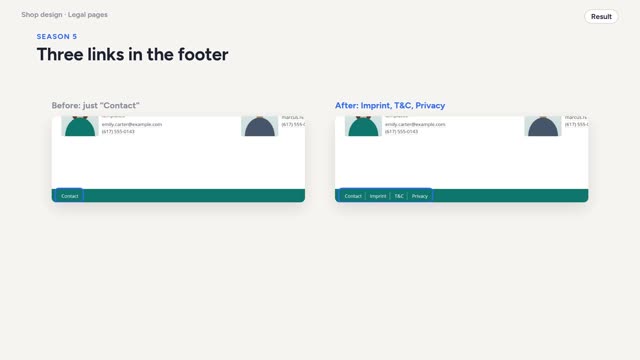
Setting up legal notice, privacy policy and terms
Legal notice, privacy policy, terms and conditions: where they belong.
-
 Video 1:24 min
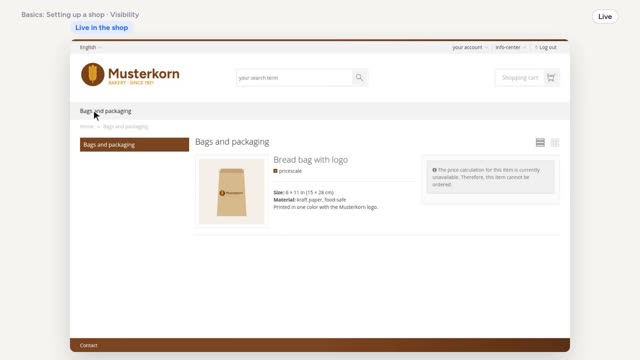
Visibility: when an item appears in the shop
The shop is done, but empty? These four switches decide whether an item appears.
-
 Video 1:12 min
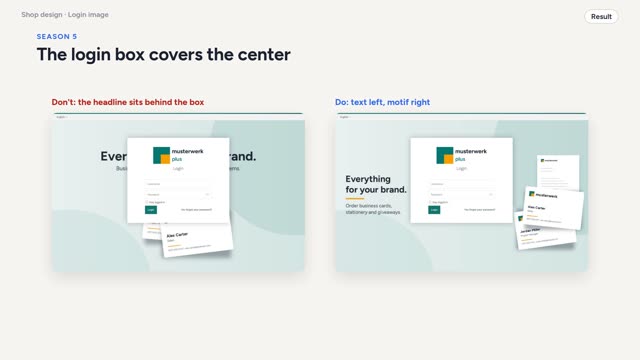
Designing the login image
An image the login box doesn't cover.
-
 Video 1:37 min
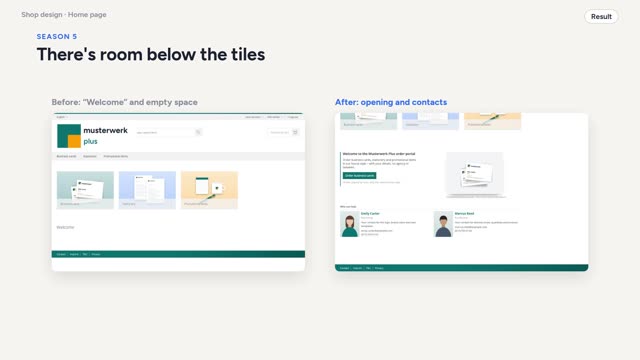
Filling the home page with your own content
Instead of empty boxes: a welcome, notes and ways into the product range.
-
 Video 1:26 min
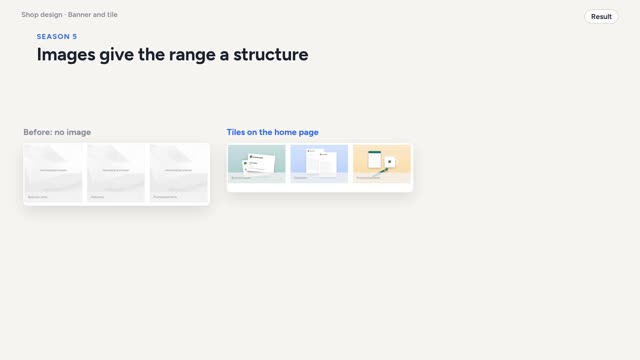
Product groups with banner and tile image
Images that organize the product range and spark curiosity.
-
 Video 1:27 min
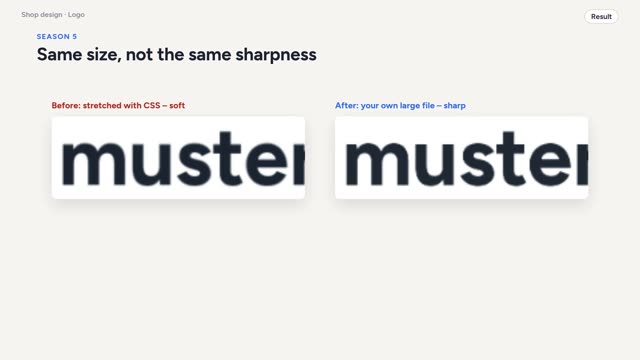
Embedding a high-resolution logo
Why the logo gets blurry and how it stays sharp.
-
 Video 1:09 min
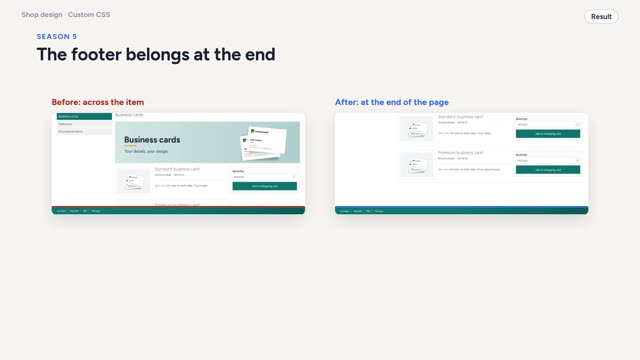
Your own CSS in the shop
Small tweaks with a big effect – without taking the shop apart.