
Print templates
From the first template with a background PDF to a multi-page flyer from InDesign: fonts, frames, sign-off.
-
 Video 1:35 min
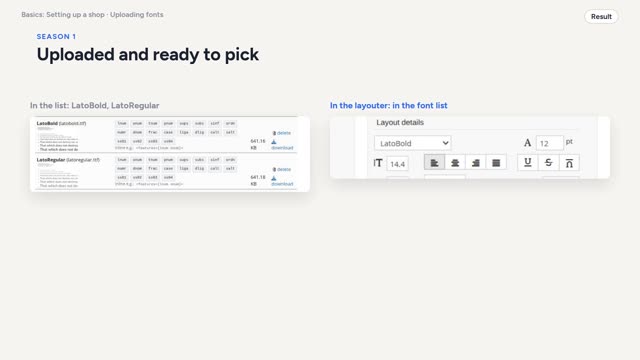
Uploading fonts
Before the print template: fonts into the font manager, and how you can tell they are ready.
-
 Video 1:43 min
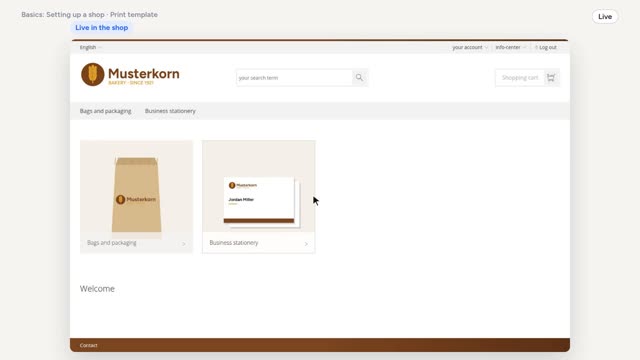
Creating a print template: background PDF and text boxes
Background PDF in, boxes on top: this is how the template the buyer personalizes comes about.
-
 Video 1:24 min
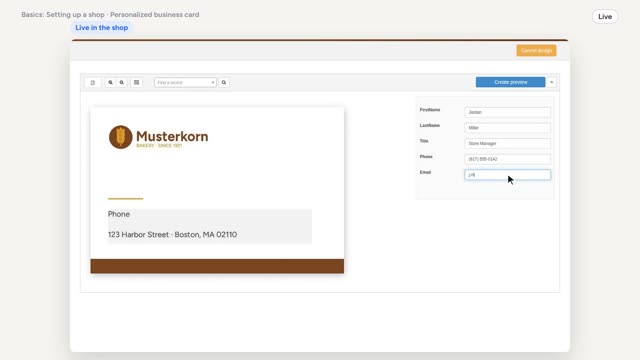
Personalizable business card: database, template, item
Database, template and item plugged together: a personalizable business card in the shop.
-
 Video 1:30 min
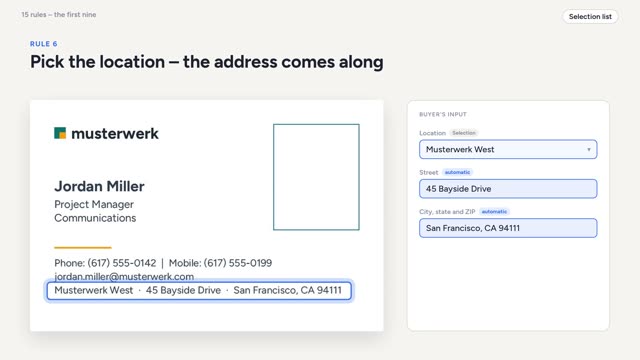
Overview: what rules in a print template can do
One business card and nine rules that save the buyer work. The overview of the season.
-
 Video 1:14 min
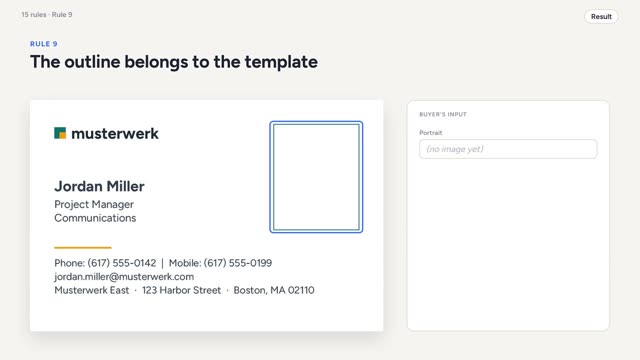
Frames for image boxes
The fine line around the photo is already there before an image is in.
-
 Video 1:48 min
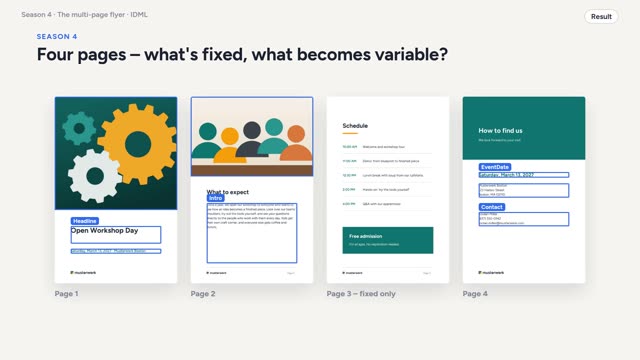
InDesign import: bringing the IDML into a print template
What's in the InDesign file and what of it becomes variable.
-
 Video 1:25 min
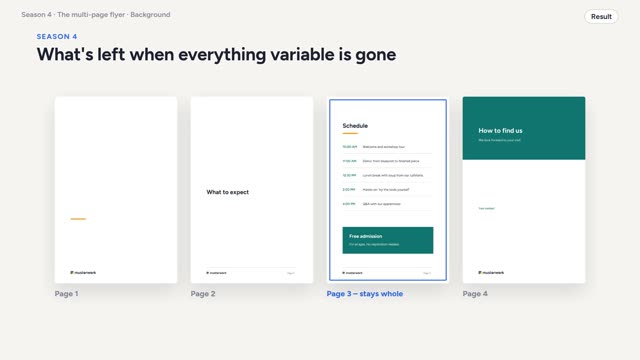
Background PDF for multi-page templates
Everything fixed goes into the background PDF.
-
 Video 1:22 min
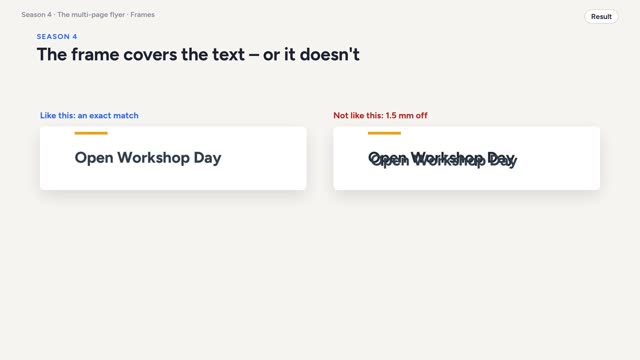
Positioning text frames precisely
Boxes exactly where the texts and images sit in the layout.
-
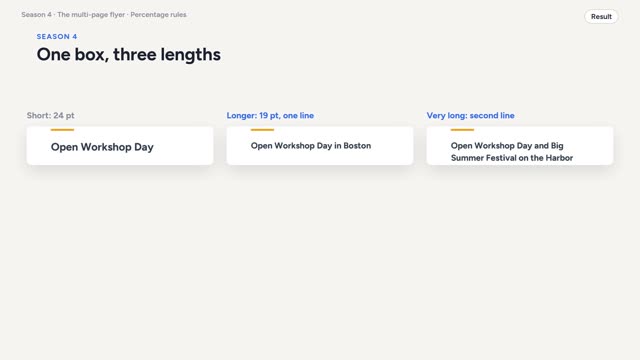 Video 1:30 min
Percentage rules and line breaks in body text
Texts that grow with the content and break cleanly.
-
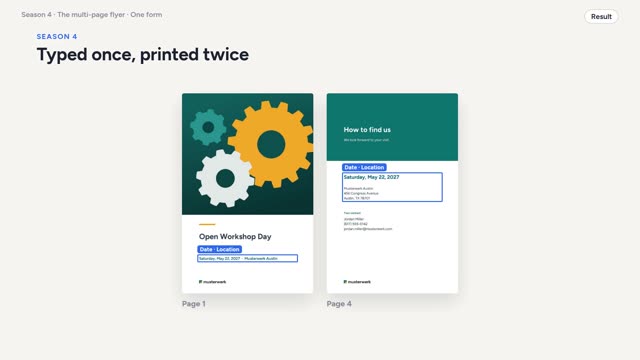 Video 1:20 min
Multi-page template: one input form, preview as a slider
The buyer fills in one form, and all pages fit.
-
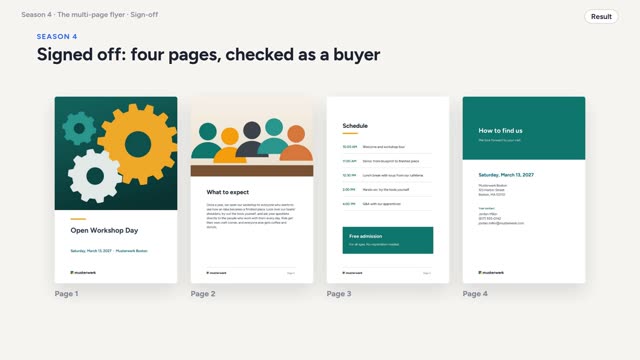 Video 1:22 min
Signing off a print template as a buyer
The final test in the shop – with full and with empty fields.