
Images
Image sets, image selection, photo upload with cropping and frames – and what happens when no image arrives.
-
 Video 1:31 min
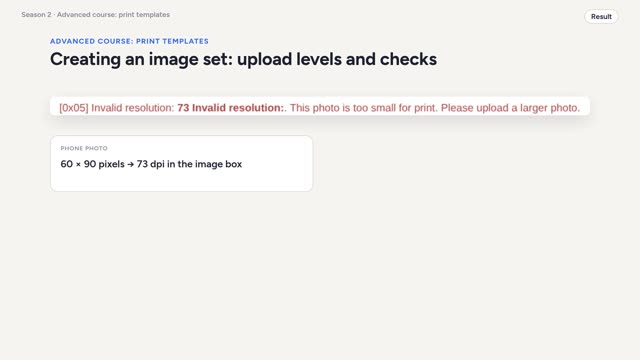
Creating an image set: upload levels and checks
Where images live, what each upload level allows and how the resolution check reacts.
-
 Video 1:35 min
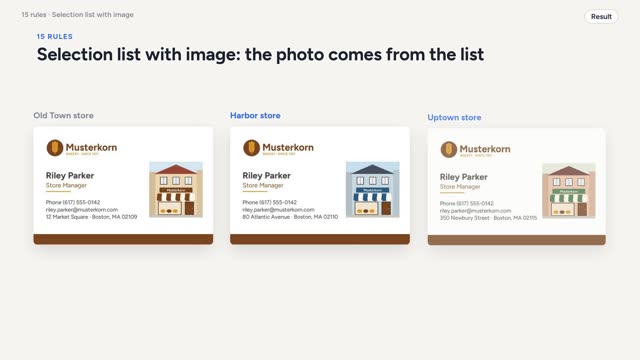
Selection list with image: the photo comes from the list
Whoever picks the location also gets the matching photo – a list that fills an image box.
-
 Video 1:22 min
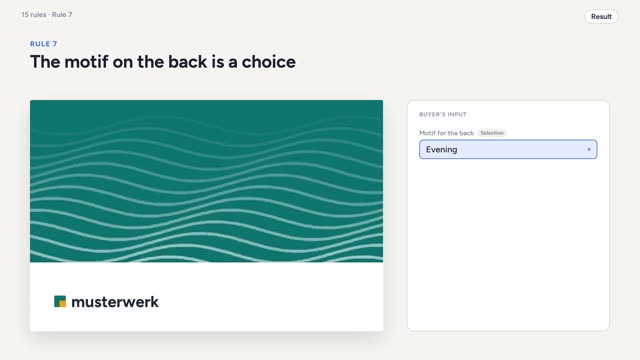
Image selection from an image set
One click, and the back side changes: image selection as a dropdown instead of an upload.
-
 Video 1:27 min
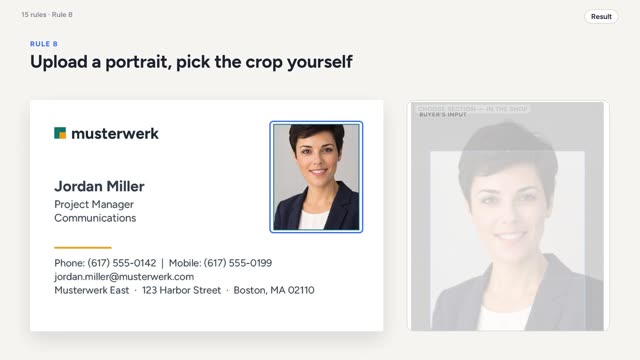
Image upload with cropping (crop tool)
The buyer uploads their photo and picks the crop in the format of the image frame.
-
 Video 1:14 min
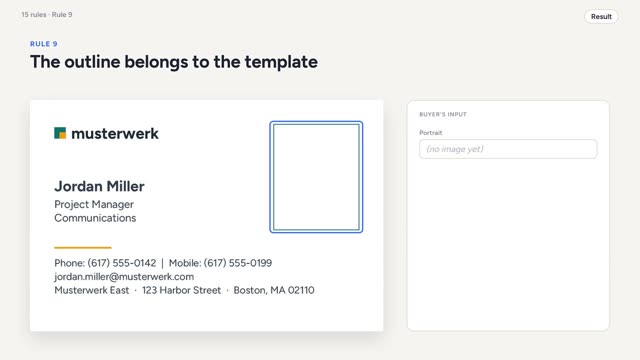
Frames for image boxes
The fine line around the photo is already there before an image is in.
-
 Video 1:24 min
User-specific images: inserting your own photo automatically
The portrait from the user account appears without a new upload.
-
 Video 1:19 min
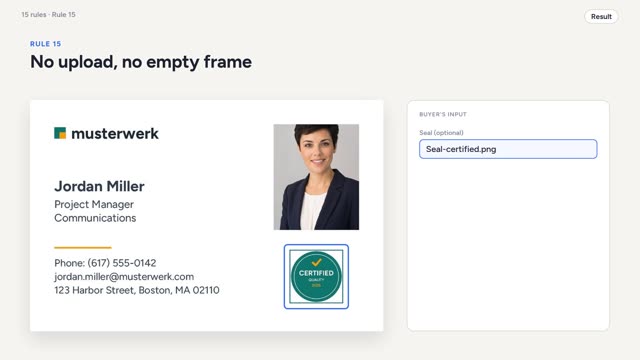
Hiding an empty image box automatically
If the buyer doesn't upload an image, the placeholder disappears from the card.
-
 Video 1:28 min
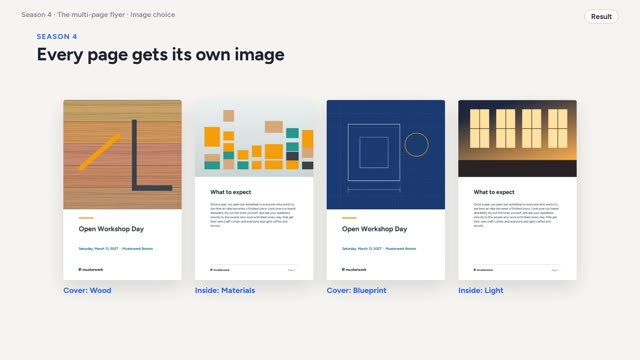
Image selection per page
Each page gets its own choice of motifs.