
Users & permissions
Create users and groups, decide who sees what, and check the shop through a buyer's eyes.
-
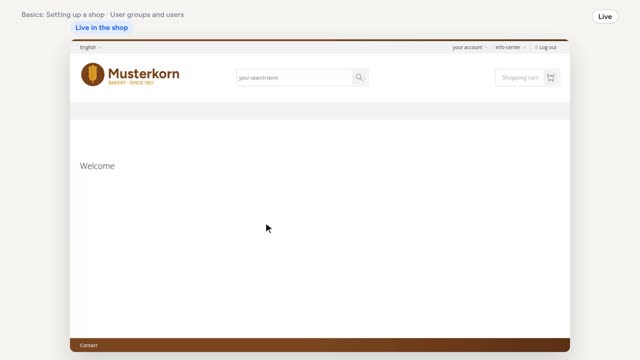 Video 1:26 min
Creating user groups and users
Who gets in, who sees what: create logins and sort them into groups.
-
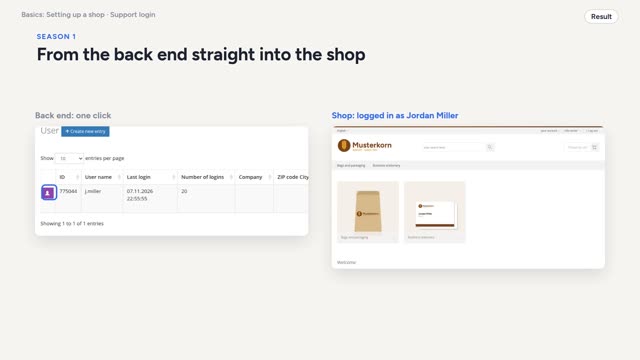 Video 1:09 min
Support login: seeing the shop as a buyer
One click in the back end, and you see the shop exactly as a specific buyer sees it.
-
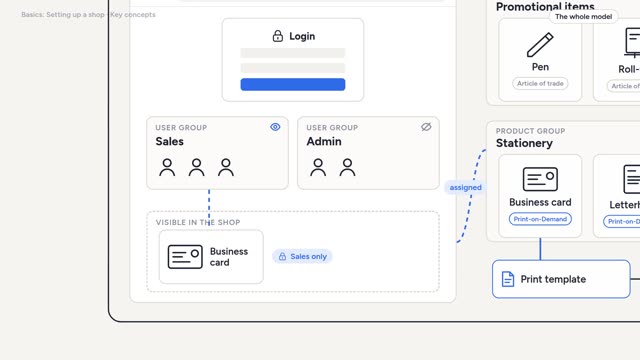 Video 2:48 min
Key concepts: client, customer, shop, item
Client, customer and shop, users in groups, product groups, items and print templates – the whole structure at a glance, before your first click.
-
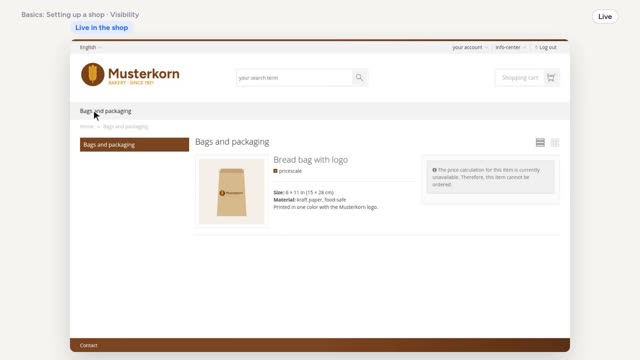 Video 1:24 min
Visibility: when an item appears in the shop
The shop is done, but empty? These four switches decide whether an item appears.
-
 Video 1:28 min
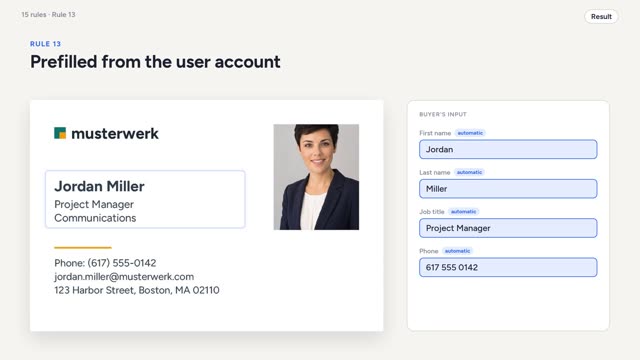
Automatic data assignment from the user account
Name, phone and department are already filled in, because the shop knows the buyer.
-
 Video 1:24 min
User-specific images: inserting your own photo automatically
The portrait from the user account appears without a new upload.
-
 Video 1:26 min
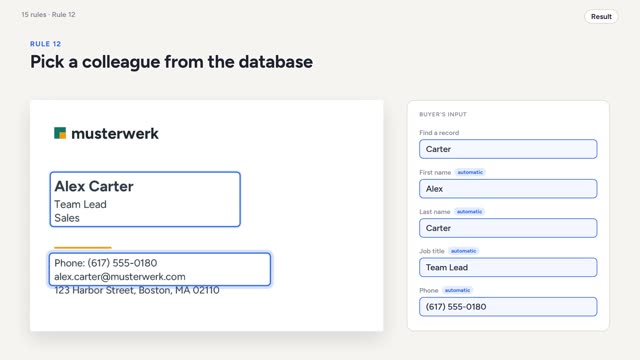
Record search: ordering for colleagues
When someone orders for others, they pick the person – and all details come along.