
Input form & data
A form everyone understands, and personalization data you can save, import and prefill.
-
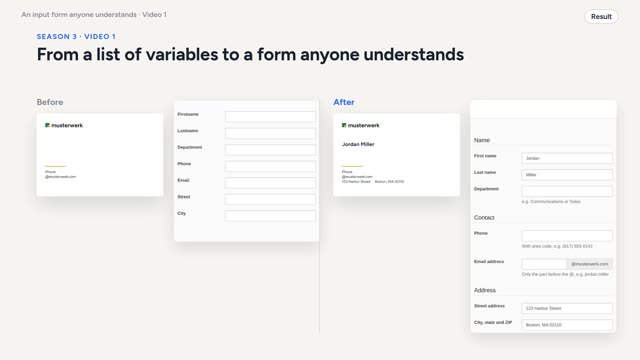 Video 2:39 min
Special Field Options: from a list of variables to an input form
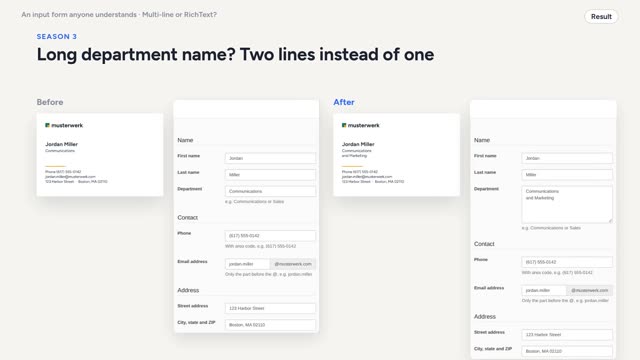
The same business card before and after: with clear field names, sections, example texts, a suffix and default text, the buyer fills in the form without asking.
-
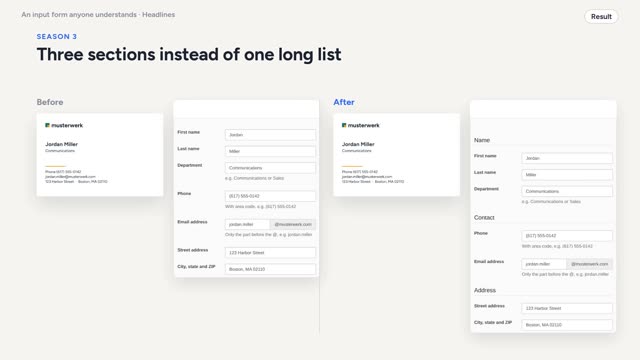 Video 1:28 min
Headings in the input form
A long list of fields becomes clear sections.
-
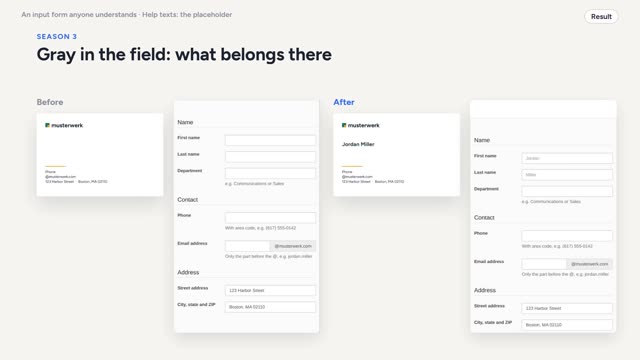 Video 1:31 min
Placeholder, example text and default text
One sentence at the right field saves a call to support.
-
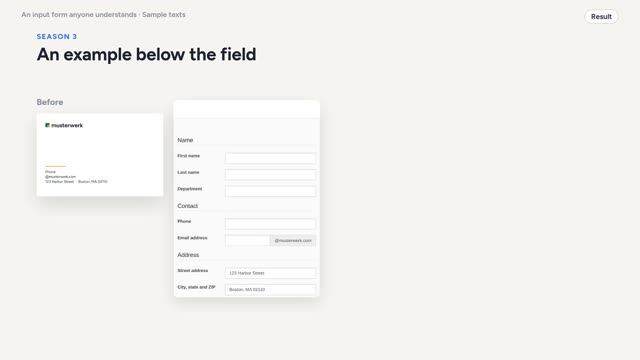 Video 1:03 min
Example texts below the input field
A gray example says more than any manual.
-
 Video 1:21 min
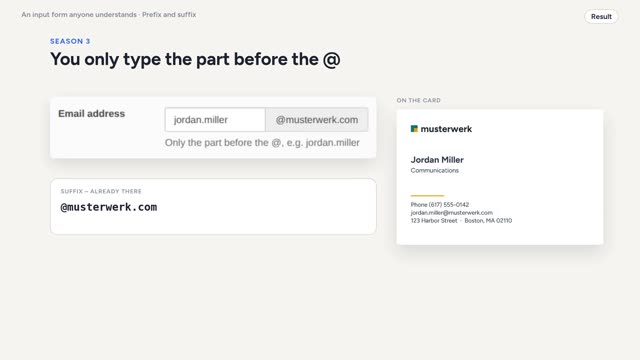
Prefix and suffix on the input field
Fixed parts like the area code or the domain are already there – only the rest is typed.
- coming soon Arranging input fields side by side First and last name in one row: a shorter form, a quicker overview. coming soon
-
 Video 1:28 min
Multi-line fields and RichText
When a simple text field is enough and when the buyer may format text.
-
 Video 1:43 min
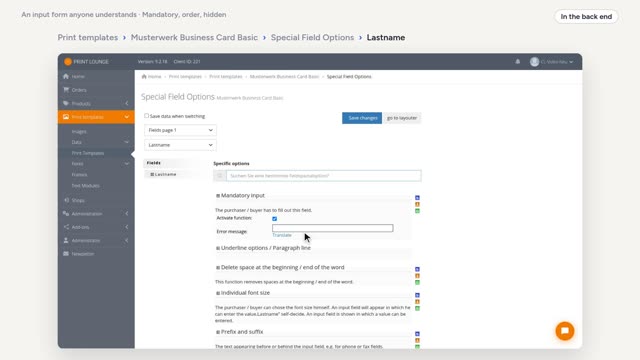
Required fields, field order and hidden fields
What's required, what's optional, what the buyer never sees – and in which order.
-
 Video 1:07 min
Setting the personalization preview size
Set the preview in percent so the buyer can see what they're changing.
-
 Video 0:50 min
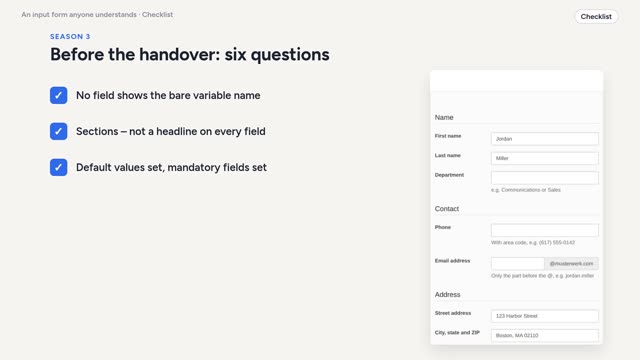
Checklist for the input form
The final test for every form – through the eyes of someone seeing it for the first time.
-
 Video 1:20 min
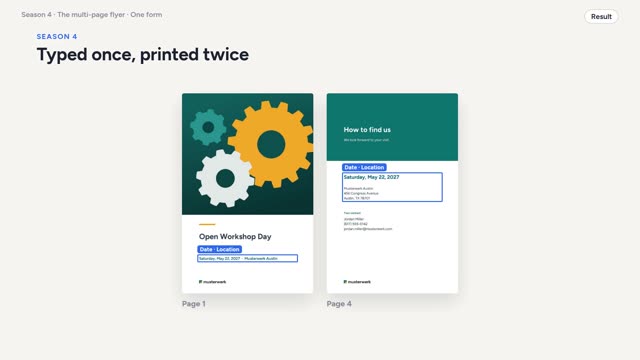
Multi-page template: one input form, preview as a slider
The buyer fills in one form, and all pages fit.
-
 Video 1:24 min
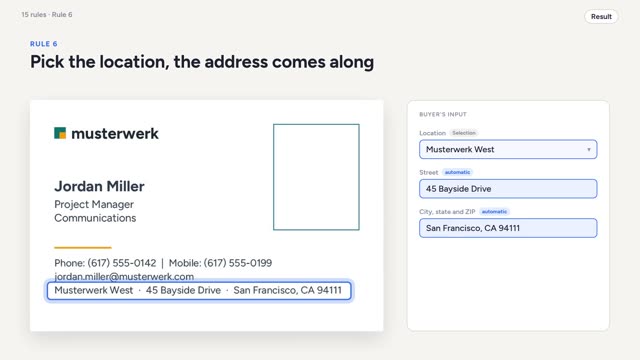
Selection list with extra columns: address from the location
One choice instead of three entries: the buyer picks their location, and street and city are right on the card at once.
-
 Video 2:04 min
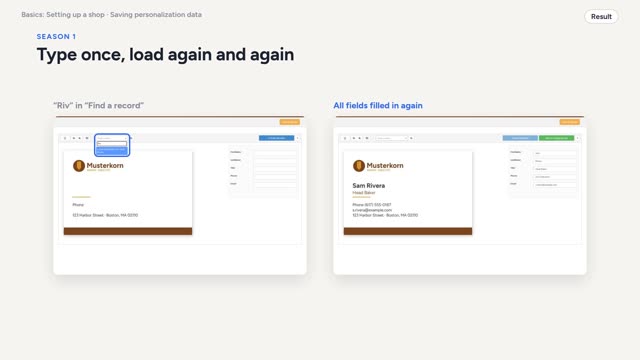
Saving and reloading personalization data
The buyer saves their data and loads it next time with the search – including the switch that hides the search by default.
-
 Video 1:29 min
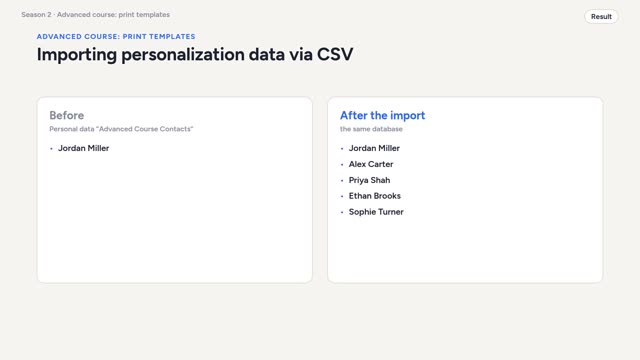
Importing personalization data via CSV
Many records at once: export as a template, add to it, import again – and what the import replaces.
-
 Video 1:26 min
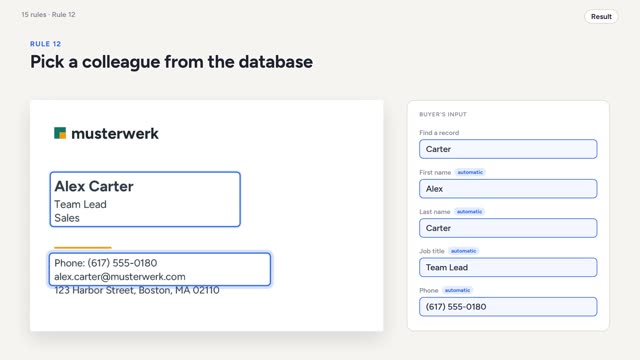
Record search: ordering for colleagues
When someone orders for others, they pick the person – and all details come along.
-
 Video 1:28 min
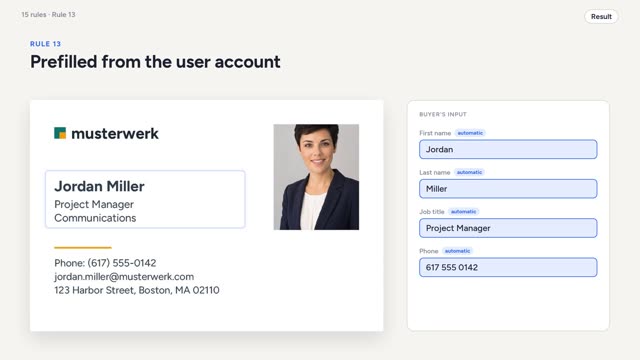
Automatic data assignment from the user account
Name, phone and department are already filled in, because the shop knows the buyer.